Evaluating the Building Front Sign Logo Mockup for Professional Branding
In the realm of graphic design and brand identity, presentation is often as critical as the design itself. A logo may be meticulously crafted, but its impact can be diminished if displayed in a sterile or unrealistic context. This is where the Building Front Sign Logo Mockup serves as a vital tool for designers, marketers, and business owners. By providing a high-quality, three-dimensional representation of how a sign appears on an actual building facade, this resource bridges the gap between digital concepts and physical reality. Understanding the capabilities, limitations, and practical applications of this mockup is essential for determining whether it aligns with your specific project requirements.
Understanding the Utility of Realistic Signage Mockups
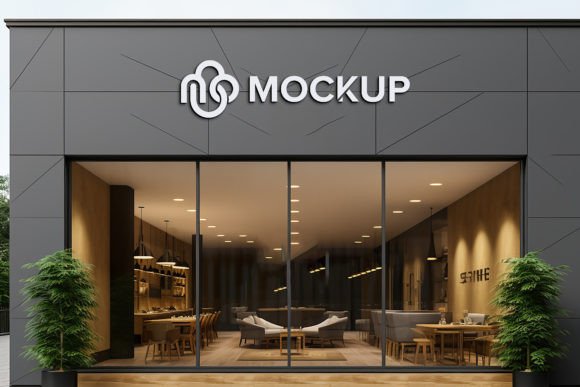
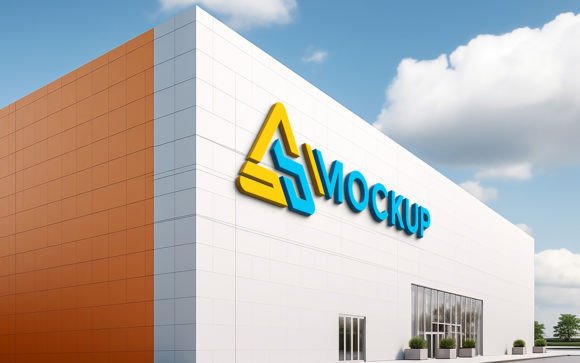
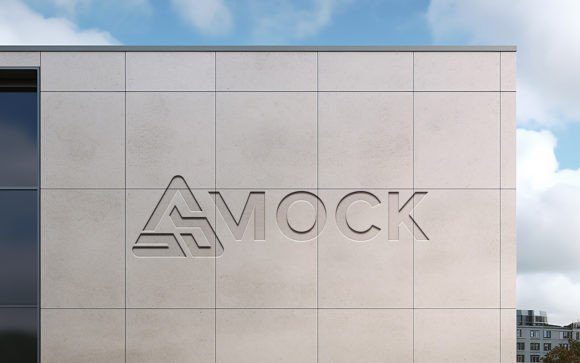
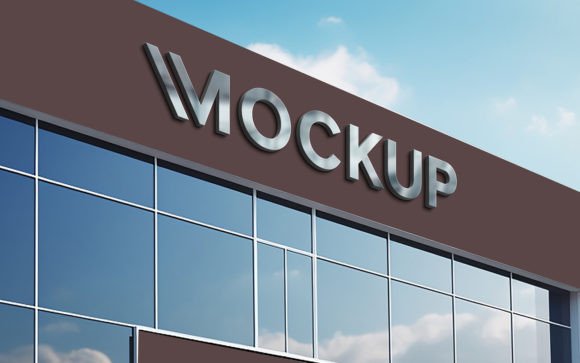
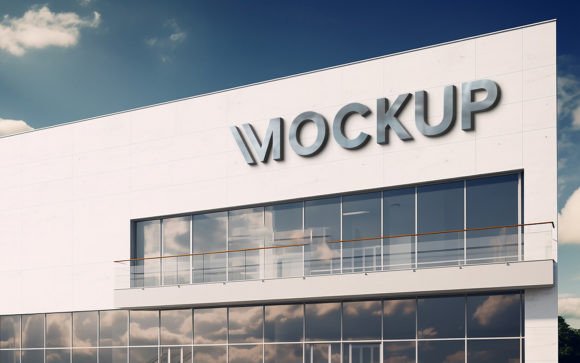
A building front sign mockup is not merely a background image; it is a sophisticated template designed to integrate your two-dimensional logo into a three-dimensional environment. The primary value proposition lies in its ability to simulate real-world conditions, including lighting, shadows, perspective, and material texture. When you utilize a Building Front Sign Logo Mockup, you are essentially testing the viability of your design in a public space without the cost and effort of physical production.
For professionals who frequently present concepts to clients, the psychological impact of a realistic visualization cannot be overstated. Clients often struggle to interpret flat vector files. By placing their logo on a recognizable architectural structure, you provide immediate context. This helps stakeholders visualize scale, readability from a distance, and overall aesthetic harmony with the surrounding environment. The mockup acts as a communication bridge, reducing ambiguity and accelerating approval processes.
Key Features and Technical Specifications
The effectiveness of any mockup depends largely on its technical construction. The Building Front Sign Logo Mockup discussed here is built with user accessibility and professional quality in mind. It is delivered as a high-resolution PSD file, ensuring that the final output remains crisp and detailed even when printed or viewed on large screens. With a resolution of 300 DPI, the asset meets industry standards for both digital presentations and high-quality print materials.
The core functionality relies on Smart Object technology. This feature allows users to replace the placeholder design with their own logo, text, or graphics seamlessly. The process is automated: once you insert your design into the designated Smart Object layer, the mockup automatically applies the correct perspective, shadows, and lighting effects. This eliminates the need for manual adjustment of blending modes or distortion tools, which can be time-consuming and require advanced Photoshop skills.
- High-Quality 3D Realism: The rendering captures subtle details such as surface texture and ambient light reflection, enhancing credibility.
- Smart Object Replacement: Simplifies the editing process, allowing for rapid iteration of different design concepts.
- Fully Layered and Organized: The file structure is logical, with elements grouped into folders, making navigation intuitive for users of all skill levels.
- 100% Editable: Beyond the logo, various elements of the scene can often be adjusted to suit specific branding colors or environmental preferences.
Benefits for Designers and Business Owners
One of the most significant advantages of using this mockup is the reduction in technical barriers. The claim of "no skill requirement" is particularly relevant for small business owners or junior designers who may not possess advanced proficiency in Adobe Photoshop. The automated shadow and lighting integration ensures that the final result looks professional regardless of the user's expertise. This democratization of high-end presentation tools allows smaller entities to compete visually with larger corporations that have dedicated creative teams.
Furthermore, the efficiency gained through smart object replacement cannot be ignored. In a typical client revision cycle, a designer might need to present five or ten variations of a sign. Doing this manually would take hours. With this mockup, each variation can be generated in minutes. This speed facilitates a more dynamic creative process, encouraging experimentation with different colors, fonts, and layouts without the penalty of excessive time investment.
Considerations and Potential Tradeoffs
While the Building Front Sign Logo Mockup offers substantial benefits, it is important to approach its use with realistic expectations. The primary limitation of any static mockup is its fixed perspective. The angle of the building, the time of day implied by the lighting, and the architectural style are predetermined. If your client’s actual building has a significantly different facade—such as a modern glass structure versus the brick or concrete depicted in the mockup—the visualization may feel disconnected from reality.
Additionally, while the mockup provides realistic shadows and lighting, it cannot account for unique environmental factors such as nearby trees casting shadows, streetlights, or specific weather conditions. Users should be aware that the result is a stylized representation rather than a photorealistic simulation of a specific geographic location. For projects requiring absolute precision regarding site-specific lighting, a custom 3D render or an on-site photograph may be necessary.
Ideal Use Cases
This mockup is a strong fit for several common scenarios. It is particularly effective for retail stores, restaurants, cafes, and office buildings where exterior signage plays a crucial role in brand visibility. It is also valuable for portfolio pieces, allowing designers to showcase their work in a context that demonstrates practical application. Marketing agencies can use it to create compelling social media content or pitch decks that highlight the potential impact of a rebranding effort.
It is also suitable for preliminary feasibility studies. Before committing to the expensive process of fabricating and installing a physical sign, businesses can use the mockup to gauge public reaction or internal consensus. This low-risk testing phase can prevent costly mistakes related to size, color contrast, or legibility.
When to Consider Alternatives
There are situations where alternatives may be worth considering. If you require a mockup for a non-standard sign type, such as a hanging blade sign, a neon window display, or a vehicle wrap, a building front mockup will not suffice. In these cases, specialized mockups tailored to those specific formats are necessary. Similarly, if you need to present a signage system across multiple locations with varying architectural styles, a single building mockup may lack the versatility required. In such instances, investing in a bundle of diverse mockups or utilizing 3D modeling software like Blender or Cinema 4D might provide the flexibility needed.
Making the Decision
Choosing to use the Building Front Sign Logo Mockup ultimately depends on your need for speed, realism, and ease of use. If your goal is to quickly produce professional-grade visualizations for standard storefront signage without engaging in complex 3D modeling, this tool is an excellent resource. The inclusion of both PSD and JPG files adds versatility, allowing for immediate use in presentations or further customization in design software.
By leveraging the smart object features and high-resolution assets, you can elevate the perceived value of your design work. However, always ensure that the architectural style of the mockup aligns reasonably well with the client’s brand identity and physical location. When used appropriately, this mockup serves as a powerful asset in the designer’s toolkit, facilitating clearer communication and more confident decision-making for all parties involved.